Latest News5 min read
The Digital Exam Frontier: Mastering the 'Screen-to-Script' Workflow for SEAB e-Exams in 2025
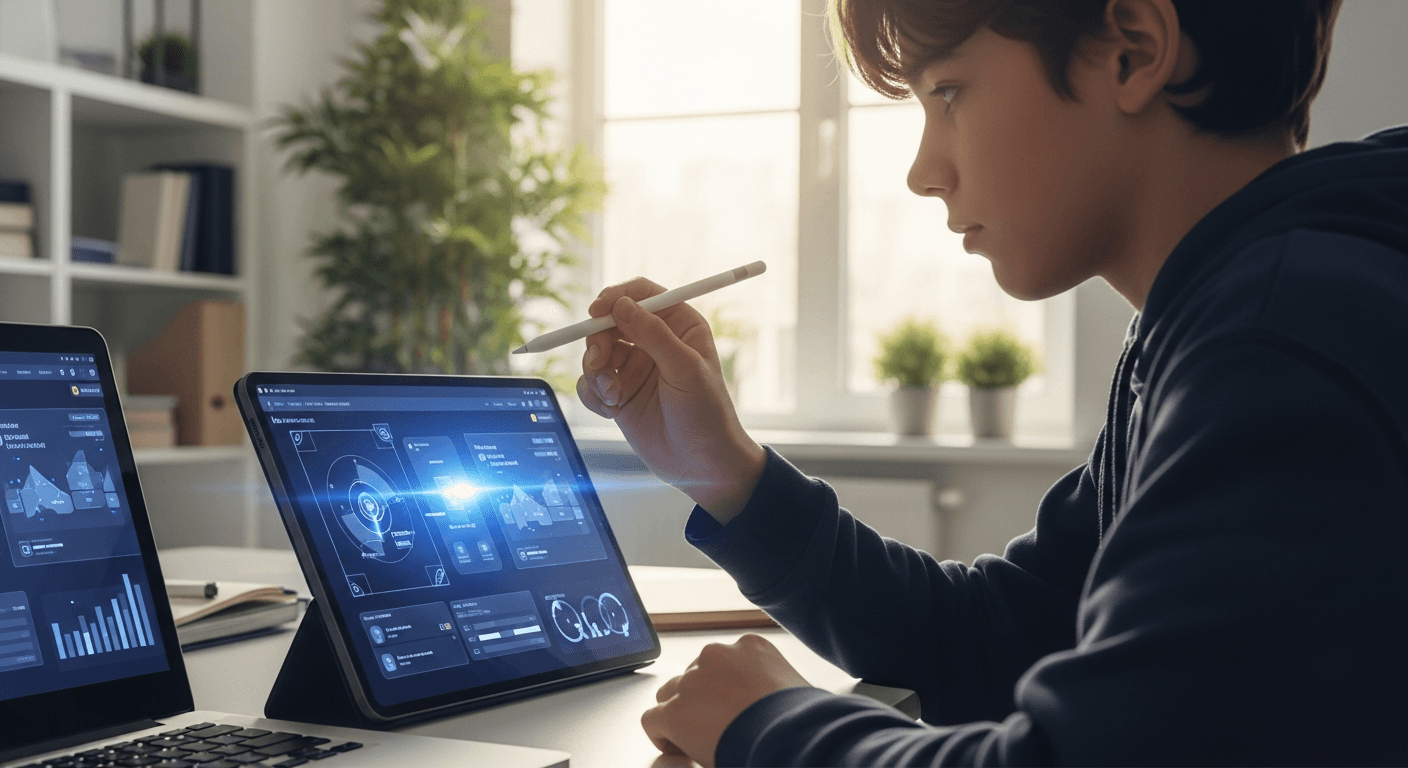
Beyond the Foolscap: Singapore’s New Assessment Reality
For decades, the sound of a national examination in Singapore was defined by the scratching of pens on foolscap paper and the rhythmic flipping of physical booklets. However, for O-Level and A-Level students heading into the 2025 and 2026 cycles, the soundtrack is changing to the clatter of keyboards and the soft hum of cooling fans. The Singapore Examinations and Assessment Board (SEAB) is rapidly expanding its suite of computer-based testing (CBT) and e-exams, moving beyond Mother Tongue e-papers to include subjects like Geography, History, and more technical components.
This shift represents more than just a change in medium; it is a fundamental change in how information is processed, organized, and retrieved. While current students are 'digitally native' when it comes to social media and entertainment, the cognitive demands of a high-stakes digital assessment are vastly different. Moving from a paper-based workflow to a digital-first one—the 'Screen-to-Script' shift—requires a new set of tactical skills that traditional revision often overlooks.
The 'Navigation Load' Challenge
In a traditional paper exam, you have the benefit of spatial memory. You know a piece of evidence is on the bottom left of the third page. In a digital interface, especially when dealing with complex source-based questions (SBQ) or data response questions, you are often working with split screens, scroll bars, and toggles. This introduces 'navigation load'—the mental energy spent simply moving between documents rather than analyzing them.
Research suggests that students who practice only on paper often experience a performance dip when transitioned to screens, not because of a lack of subject knowledge, but because their 'working memory' is clogged by the logistics of the digital interface. To combat this, students must move beyond reading PDFs. You need to use AI-powered practice platforms that simulate the constraints of a digital environment, forcing you to synthesize information that isn't all visible on one page at the same time.
Mastering Digital Annotation and Extraction
One of the biggest pain points for O-Level and A-Level students is the loss of the physical margin. In Humanities subjects, 'active reading'—underlining, circling, and linking ideas with arrows—is the engine of a high-scoring essay. In a computer-based exam, you must master the specific annotation tools provided by the SEAB interface, such as digital highlighters and sticky notes.
The Strategic Pivot: Stop relying on physical highlighters during your revision. Start practicing 'digital extraction.' This involves using a split-screen setup on your laptop where one side is your source material and the other is your planning space. Use AI to generate mock sources, then practice 'tagging' them with keywords. If you are preparing for the O-Level Geography e-exam, for instance, practice identifying trends in digital GIS (Geographic Information System) maps where you cannot physically mark the coordinates.
The Mechanics of Speed: Typing vs. Thinking
For A-Level students, particularly in General Paper or H2 History, the volume of writing required is immense. While many believe typing is faster than handwriting, 'cognitive interference' occurs when a student’s typing speed cannot keep up with their train of thought, or conversely, when they type too much 'filler' because the physical resistance of the pen is gone. Accuracy is also paramount; the lack of autocorrect in national exams means that your technical vocabulary must be precise.
You can use AI to audit your writing speed and clarity. By feeding your practice essays into a tool that checks for logical flow, you can see if your digital writing has become 'fragmented'—a common side effect of the ability to copy-paste and move paragraphs around mid-exam. Pro-tip: Practice your timed essays with a 'clean' text editor (no spellcheck) to mirror the exact conditions of the SEAB e-exam platform.
Screen Fatigue and the 'Scanning' Trap
Reading on a screen often leads to 'F-shaped scanning,' where the eye skims the top and left side of the page but misses crucial details in the center or right. In a biology paper where a single word like 'inhibitor' or 'catalyst' changes the entire meaning of a question, scanning is fatal. To overcome this, you must develop 'linear digital reading' habits.
One effective method is to use the 'cursor-tracking' technique—using your mouse cursor as a physical guide for your eyes as you read through complex stems. For technical subjects, ensure you are comfortable with digital formula editors. If you are calculating the probability of an event where \( P(A \cup B) = P(A) + P(B) - P(A \cap B) \), the speed at which you can input these symbols into a digital interface can save you vital minutes during the paper.
How AI Bridges the Digital Divide
The transition to 2025 exams means your study tools must match the exam's format. At Thinka, we focus on helping students master this transition. By using specialized study materials and digital resources, students can close the gap between how they study and how they are assessed. Our platform is designed to move students away from passive scrolling toward active digital engagement.
Teachers also play a critical role in this transition. By using AI tools to generate practice papers that are formatted for digital consumption, educators can help their students build the 'digital stamina' required for a three-hour e-exam. It is no longer enough to be smart; you must be digitally agile.
Conclusion: Future-Proofing Your Prep
The move to digital assessment in Singapore is an opportunity, not a hurdle. It allows for more interactive questions, real-world data simulations, and a more streamlined submission process. However, success in 2025 requires a deliberate shift in your revision strategy.
1. Audit your tech: Practice with the same type of keyboard you will use in the exam hall.
2. Simulate the load: Use Thinka’s AI-driven feedback to refine your digital essays.
3. Build stamina: Gradually increase your 'screen-focus' sessions from 45 minutes to 3 hours.
By mastering the 'Screen-to-Script' workflow today, you ensure that when you sit for your O or A-Levels, the technology is your greatest ally, not your biggest distraction.
Related posts
- May 30, 2026
The Evidence Architect: Mastering the ‘Process-Led’ Shift in 2025 O-Level and A-Level Grading
Discover why SEAB and Cambridge are moving toward blended evaluation in 2025. Learn how O and A-Level students can use AI to document their learning journey and secure an A1 or A*.
- May 20, 2026
The Concentration Command: Navigating the Focus Shock of Singapore’s Smartphone-Free School Era
Learn how Singapore O and A-Level students can turn MOE smartphone restrictions into a competitive edge by building deep work stamina for 2025 SEAB examinations.
- May 10, 2026
The Synthesis Shift: Navigating the 2025 Move Toward Context-Heavy O-Level and A-Level Papers
Stop relying on rote memorization for the TYS. Discover how to master the 'unseen' context-heavy papers in the 2025 SEAB exams with strategic synthesis and AI-powered practice.
- Apr 30, 2026
The Digital Frontline: Mastering the e-Exam Transition for 2025 O and A-Level Success
As SEAB and international boards pivot to digital assessments, Singaporean students must master on-screen annotation and digital time management. Here is your 2025 roadmap.